Text journal
Write down your thoughts and attach photos when a few images help tell the story.
 Shanti Journal
Private by design
Shanti Journal is a free diary for the things that are easier to write, say, or record in private. Create text, voice, and video entries that stay on your device.

A diary that meets you where you are
Choose the format that fits the moment. Add photos to written or voice entries; add tags and a short description to voice or video entries.
Write down your thoughts and attach photos when a few images help tell the story.
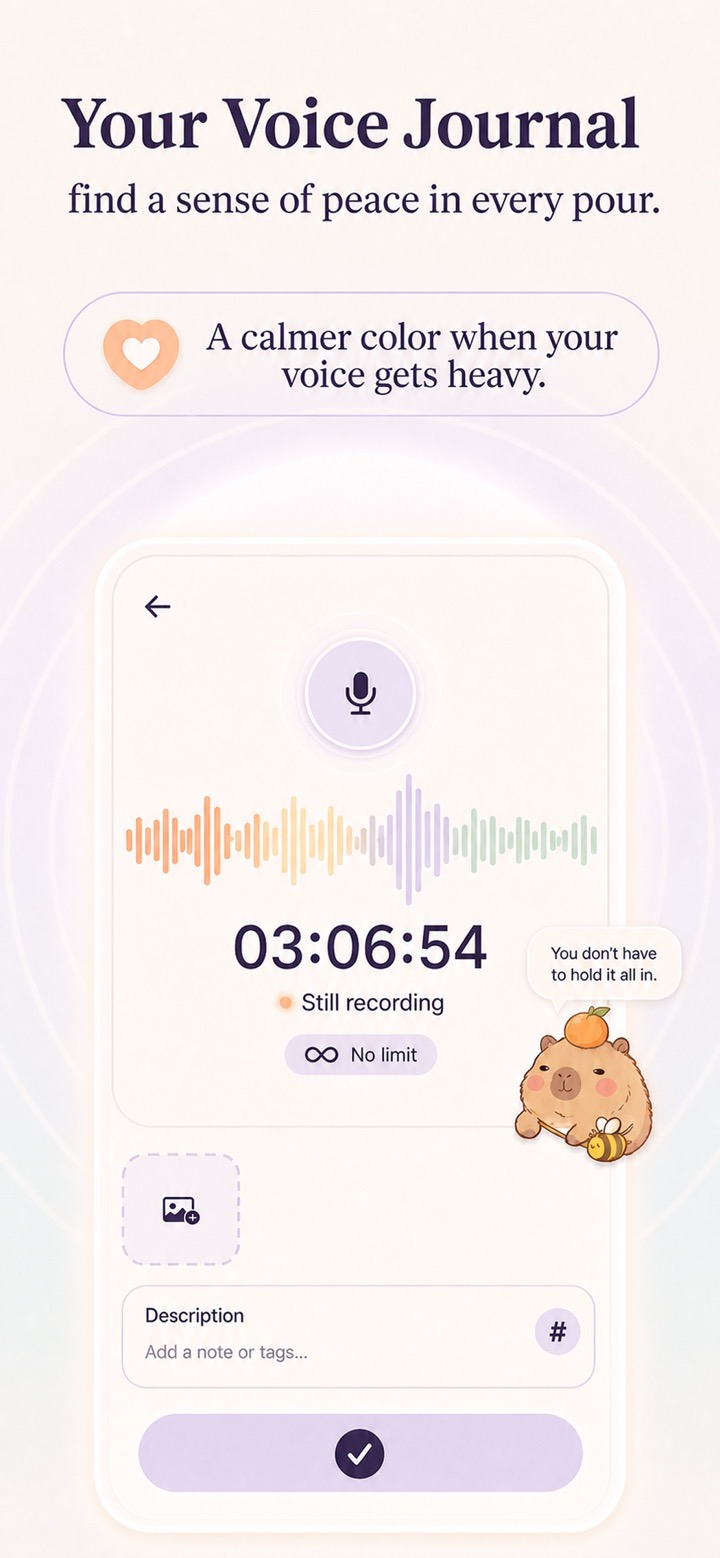
Record your voice, with optional photos, tags, and a short description.
Record a video entry, then add tags and a short description for context.
First-party app screens
These screenshots are from the current English app assets.



Your records, your device
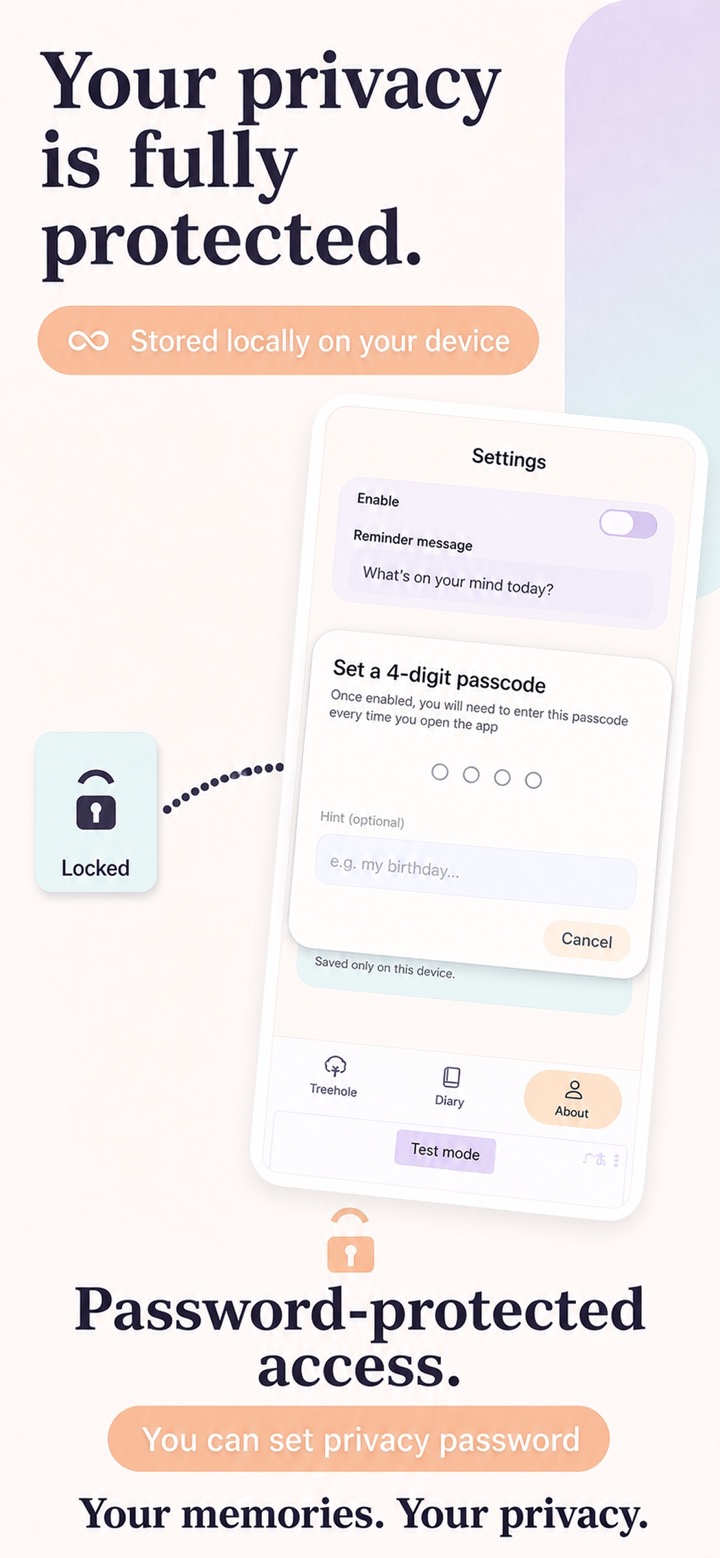
Text, voice, and video entries are encrypted and stored locally on your device. Shanti Journal does not upload them to a server, and you do not need to register or sign in to use the app.
You can set an access password, so opening the app requires verification.
Read the Privacy PolicyA place to say it, then move on
Put a thought in a dedicated private space and choose whether it is deleted after 7 days, 30 days, or kept permanently.
When you are ready to part with an entry, use a dedicated deletion experience to consciously let it go.
Available on mobile
Official listing identifiers: Apple App Store ID 6787829333 and Google Play package name journal.app.free.gratitude.
Published by Lumi Digital; the iOS developer listing displays 素英 李.
Questions answered
No. Text, voice, and video entries are stored locally on your device and are not uploaded to a server.
No. Shanti Journal does not require registration or sign-in.
You can choose 7 days, 30 days, or permanent retention.
Yes. You can set an access password that is checked when the app opens.